Instructional Video Project
Client: Personal project showcasing learning development
Made with: Canva, Word, Adobe Stock, HTML, and Storyboard That
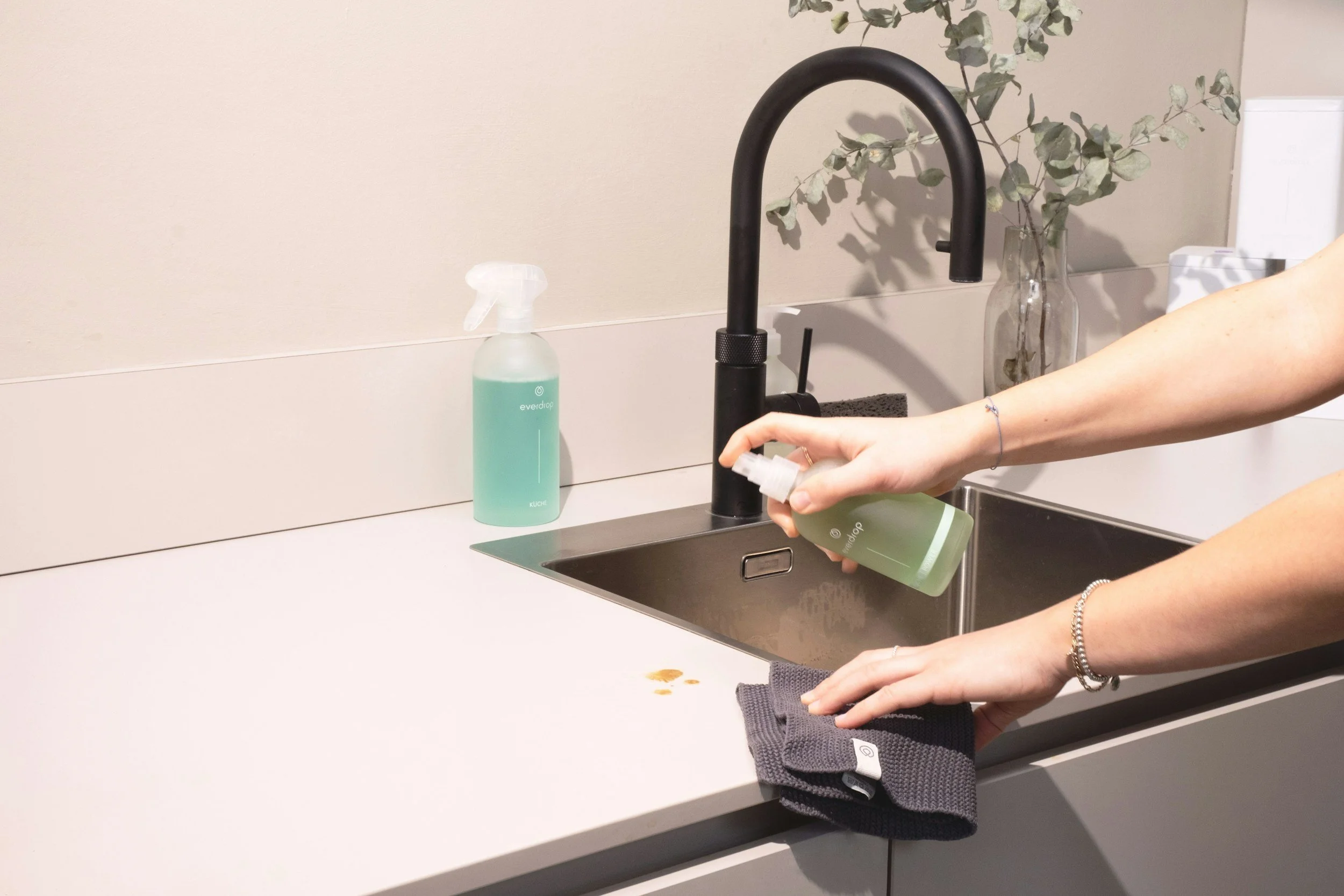
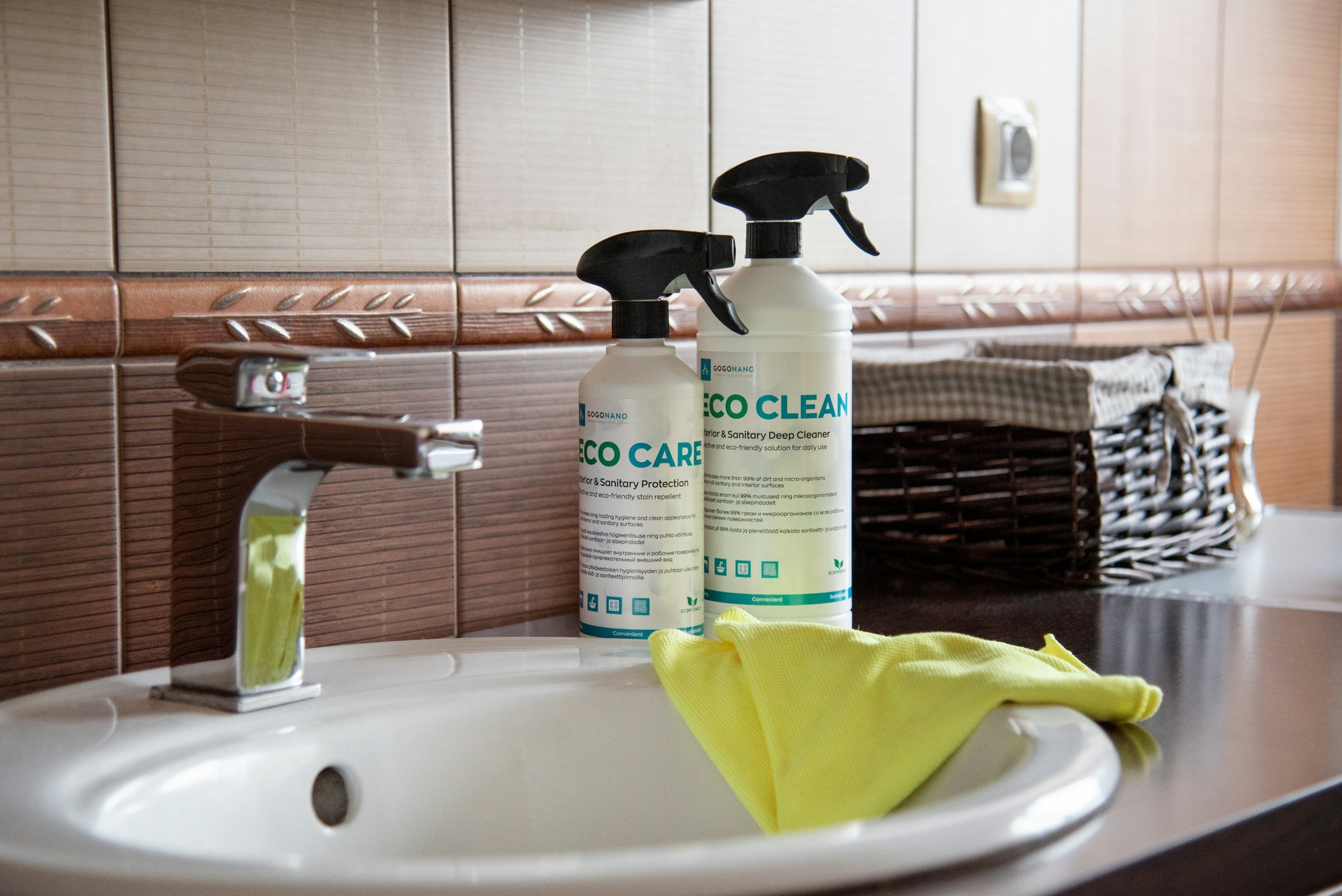
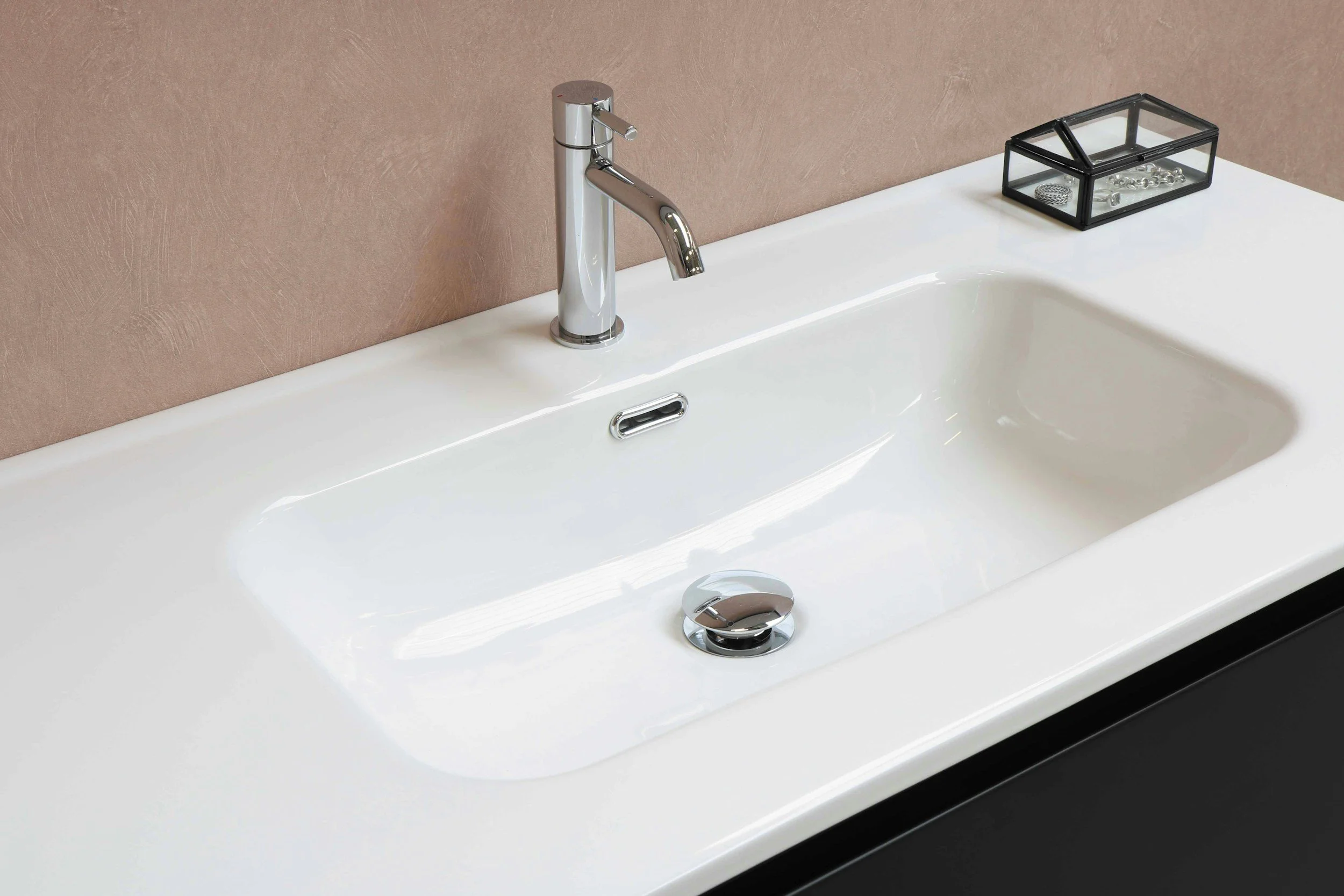
Lesson Topic: How to clean a bathroom sink
Time in Development: 6 hours
Collaborators: Solo-Project development, had my own kids assist in video recording
Learner Description: Preteens (ages 9-12) who are in the beginning stages of independent cleaning
Learner Characteristics: Limited prior experience with independent cleaning tasks. The learner benefits from a visual demonstration and modeling of the task. The learner prefers a short, single-step, focused learning experience.
-
I chose this topic because I’ve had too many conversations with my kids about cleaning their bathroom. After discovering that my kids' definition of clean and mine were not the same, I realized I needed to do a lesson on how to clean it and what it looks like when it’s done correctly. This simple step has helped get the bathroom to a cleaner place with clear expectations of what done looks like.
-
By the end of this microlearning, learners will be able to demonstrate the correct steps for cleaning a bathroom sink, including the faucet, basin, and drain, using appropriate cleaning materials and sequence without assistance.
Bloom’s Level: Apply
Action Verb: Demonstratecription
-
Lesson is delivered as a self-paced microlearning video that is designed for:
Informal environments (home, school life skills settings)
Mobile-first access on phone or tablet
On-demand used as just-in-time learning resource
Learners will apply this skill in real-life situations when cleaning their personal living space independently.
-
Reduce cognitive load
Supports immediate application
Focus on one clear, observable behavior
Video chosen as modality because it best supports procedural demonstration to align with Bloom’s Apply level.
-
For this project, I was not constrained by any branding concerns, but I chose to stick with a similar font and color scheme for the graphics in my video to maintain consistency. I see this video being developed as part of a larger learning series on essential pre-teen skills. The hardest part of this video was narrowing it down to just one part of the bathroom. My own kids enjoy shorter video learnings, and if it were more than 2 minutes, I know my viewers would lose interest and skip to the next video.
Developing this video as a model for a potential series could allow for separate training on other parts of the bathroom, in short microlearning sessions with higher retention potential.
-
This project was a good opportunity for me to experience video editing within Canva. Other video training I have completed and edited was in Adobe Captivate, so it was a good comparison of the templates available on other platforms and their integration with YouTube. This project helped me learn how to build a better storyboard, explore options for storyboarding websites and templates, and develop a deeper understanding of storyboarding. Storyboard development made filming quick, and knowing exactly which shots were needed helped reduce the time my actors waited for direction.
-
On screen text will use San Serif font with readability of words on plain background to not contrast with the video.
Key instructions include visual highlights with visual before and after comparison.
No information will be conveyed by color alone.
Video will include captions.
No essential information will be dependent by only sound.
Instructions are sequential
Instructions are repetitive in structure from preview to action to reinforcement.
Final checklist supports recall and self-assessment.
No advanced dexterity required
Uses common household tools
Storyboard Design